


- 11% less
Save CA$5.96



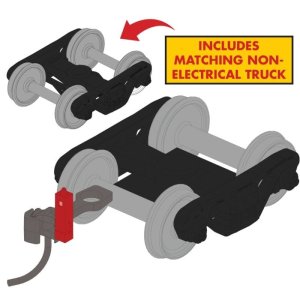
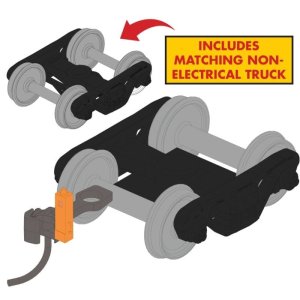
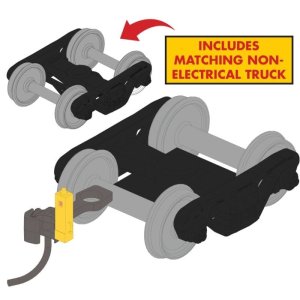
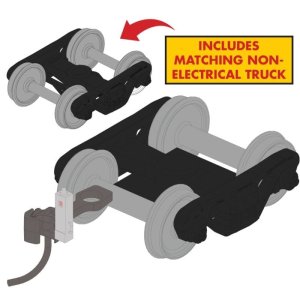
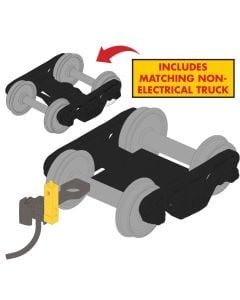
Rapido 102173 - Rapido Bits: HO Track-Powered EOT Flasher + Trucks: Yellow + 33 inch wheels
The Rapido HO Scale End-of-Train Devices Feature:
The End-of-Train Device (EOT), sometimes referred to as a flashing rear end device (FRED), was first created by the Florida East Coast Railway in the late-1960s. This one-time controversial device eliminated the need for the caboose and brakemen positions by acting as the rear warning device with a flashing red light. By the 1980s, their usage became more widespread across North America’s rail network with as the caboose disappeared from routine operations.
Today, these devices are the heart and soul of railroading. In addition to their iconic red flashing light, these also monitor and relay train air levels to the engineer. In an emergency situation, the engineer can apply the brakes from both ends of the train. These broadcast a Radio signal to the head end over a separate raido channel, which is the unique chirp you can hear if you are using a scanner while railfanning. In fact, it is a neat way to figure out how close a train is! Modern EOTs have GPS capabilities, easily tracking the location of each EOT device.
We accept the following payment methods:
To replace this text with your store's actual info on payment methods, go to "Design -> Menus & Pages -> Product Page Tabs" and edit the Payment methods page.